
As a solopreneur, juggling multiple tasks can be overwhelming, especially when trying to develop a business app without technical skills. This common pain point often leaves us feeling stuck, unable to engage effectively with our audience.
Thankfully, there’s a solution. With the right app maker for solopreneurs, you can create a professional app that boosts your brand, increases sales, and provides valuable customer insights—all without writing a single line of code.
In this article, we’ll explore why having a business app is crucial and highlight the top five app makers that can help you build one quickly and efficiently.
Why Do You Need an App for Your Business?
Engage Your Audience Anytime, Anywhere
As solopreneurs, we must reach our audience wherever they are. Mobile apps provide a direct channel to engage with customers. Push notifications can inform users about new products, special offers, or updates, keeping your business top-of-mind. This constant engagement helps build a loyal customer base, which is essential for long-term success.
Increase Sales and Customer Loyalty
Apps simplify the buying process, making it easier for customers to purchase your products or services. Features like in-app purchases, mobile payments, and loyalty programs enhance the customer experience, encouraging repeat business. An app can also streamline booking processes, order tracking, and customer service, contributing to higher sales and loyalty.
Build Brand Recognition and Awareness
A well-designed app reflects your brand’s identity and values. By customizing the app’s look and feel, you can create a consistent brand experience. Frequent interactions with your app help reinforce brand recognition, making your business more memorable to customers.
Stand Out from the Competition
Having a dedicated app sets you apart from competitors who rely solely on websites and social media. It demonstrates that you are forward-thinking and dedicated to providing the best user experience. This can be a significant differentiator, especially in saturated markets.
Provide Valuable Analytics and Insights into Customer Behavior
Apps offer robust analytics tools that give you insights into user behavior, preferences, and engagement patterns. These data points are invaluable for making informed business decisions, optimizing marketing strategies, and improving products or services. Understanding how users interact with your app helps tailor your offerings to better meet their needs.
What to Look for in an App Builder
Ease of Use and Intuitive User Interface
When choosing an app builder, ease of use is crucial. Look for platforms with drag-and-drop interfaces that don’t require coding skills. This allows you to focus on designing and customizing your app without getting bogged down in technical details.
Customization Options to Match Brand Identity
Your app should reflect your brand. Choose an app builder that offers extensive customization options, allowing you to tweak colors, fonts, layouts, and features to align with your brand identity. This consistency helps reinforce your brand’s image across all touchpoints.
Integration Capabilities with Existing Business Tools
Seamless integration with your current tools (such as CRM systems, email marketing software, and payment gateways) is essential. Ensure the app builder supports these integrations to streamline operations and provide a cohesive user experience.
Access to a Wide Range of Features and Functionalities
Different businesses have different needs. Select an app builder that offers a variety of features, including e-commerce capabilities, social media integration, push notifications, booking systems, and analytics. This flexibility allows you to build an app that meets your specific requirements.
Scalability to Grow with Your Business Needs
Your app should be able to grow with your business. Choose a platform that supports scalability, allowing you to add new features, accommodate more users, and expand functionalities as your business evolves.
Quality of Customer Support and Community Resources
Reliable customer support is vital, especially if you encounter issues during app development. Look for platforms with responsive support teams and active user communities. Access to forums, tutorials, and user groups can also provide valuable assistance and inspiration.
Cost-Effectiveness and Transparent Pricing Models
Budget is always a consideration. Choose an app builder with transparent pricing and plans that fit your budget. Avoid platforms with hidden fees or inflexible pricing structures. Some platforms offer free trials, which can help you evaluate their features before committing.
Mobile and Cross-Platform Compatibility
Ensure your app builder supports both iOS and Android platforms. This maximizes your reach, allowing you to cater to users regardless of their device preferences. Cross-platform compatibility ensures a consistent user experience across different devices.
Security Features to Protect Business Data and User Privacy
Security should be a top priority. Select an app builder that offers robust security features to protect sensitive business data and user information. Look for platforms that comply with industry standards and regulations.
Regular Updates and Maintenance to Ensure App Reliability
Technology evolves rapidly. Choose an app builder that provides regular updates and maintenance to keep your app functioning smoothly. This ensures your app remains compatible with the latest operating systems and devices.
Training Resources and Tutorials for Quick Learning
Even the most intuitive platforms require some learning. Look for app builders that offer comprehensive training resources, including tutorials, webinars, and documentation. This helps you get up to speed quickly and make the most of the platform’s features.
Top 5 App Makers for Solo Business Owners
Appy Pie
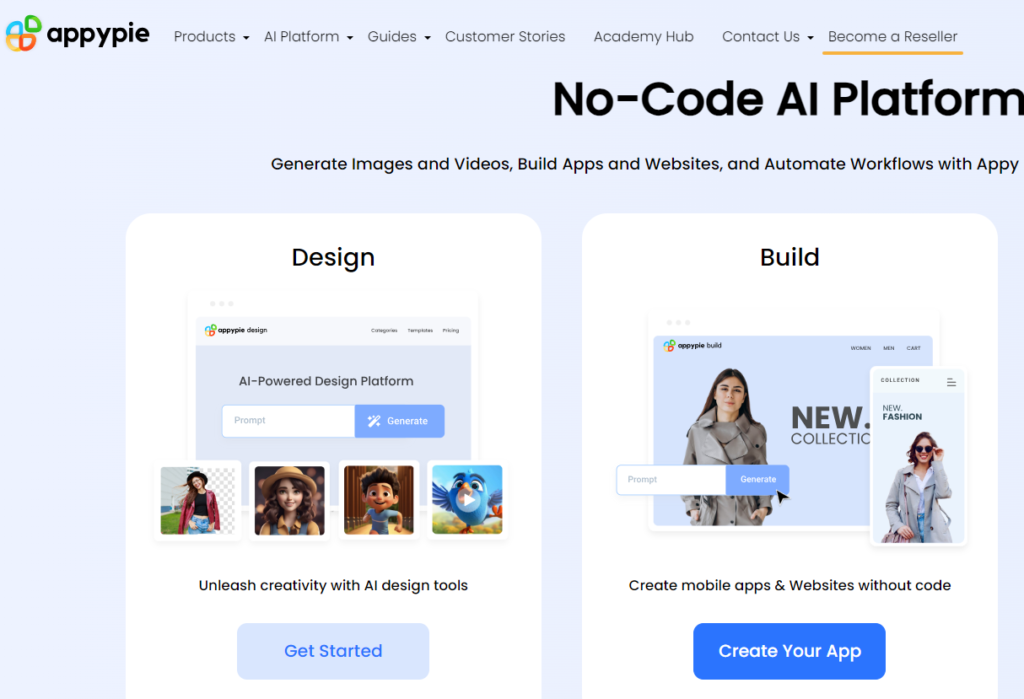
Appy Pie is an excellent choice for solopreneurs looking to create apps without any coding knowledge. Its drag-and-drop interface is user-friendly, and it offers a range of features such as push notifications, in-app purchases, and social media integration. Appy Pie also provides templates tailored to different industries, making it easier to create a professional-looking app quickly.
Features:
- Drag-and-drop interface
- Push notifications
- In-app purchases
- Social media integration
- Industry-specific templates
- Offline capabilities
- App analytics and reporting
Bubble – No-Code Solutions for Quick Turnaround
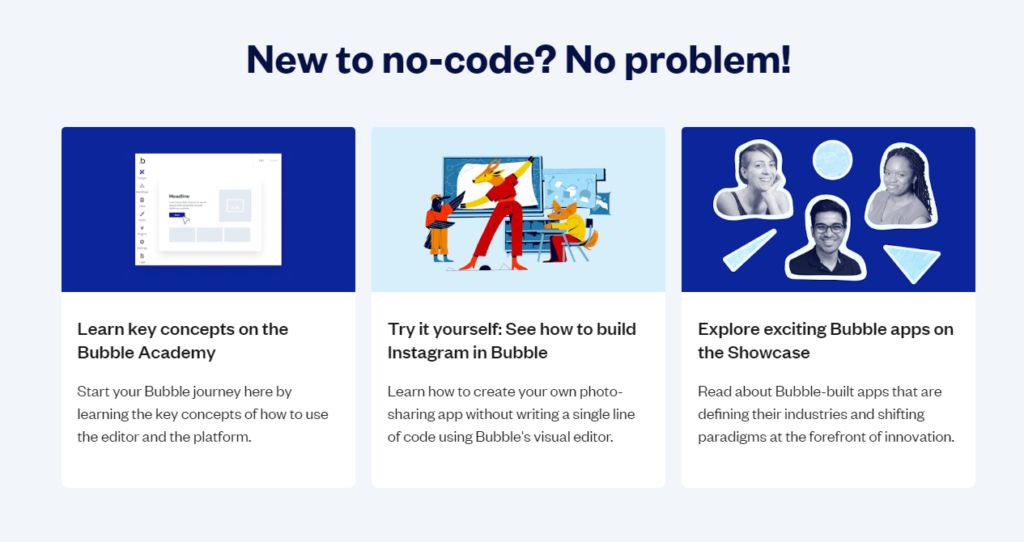
Bubble is known for its powerful no-code platform that allows you to create complex applications without writing a single line of code. It offers extensive customization options and supports integrations with various APIs, making it suitable for solopreneurs who need more advanced functionalities.
Features:
- Drag-and-drop editor
- Database management
- Custom workflows
- API integrations
- Responsive design
- User authentication
- App analytics
GoodBarber

GoodBarber is another robust app builder that caters to non-coders. It offers a variety of design templates and customization options, along with features like push notifications, loyalty programs, and social media integration. GoodBarber is ideal for creating visually appealing apps that align with your brand identity.
Features:
- Intuitive design editor
- Push notifications
- Loyalty programs
- Social media integration
- Customizable templates
- E-commerce capabilities
- User management
BuildFire

BuildFire stands out with its flexibility and extensive feature set. It offers a user-friendly interface and supports integrations with various business tools. BuildFire is suitable for solopreneurs who need an app that can grow with their business, offering scalability and a wide range of functionalities.
Features:
- Drag-and-drop interface
- Custom plugins
- API integrations
- Push notifications
- In-app purchases
- App analytics
- User management
- Scalable architecture
FlutterFlow
FlutterFlow is a relatively new player in the app-building space but has quickly gained popularity for its ease of use and powerful features. It allows you to create visually stunning apps with a simple drag-and-drop interface and offers extensive customization options. FlutterFlow is an excellent choice for solopreneurs who want to build both web and mobile apps.
Features:
- Drag-and-drop editor
- Customizable UI components
- API integrations
- Firebase support
- Cross-platform compatibility (web and mobile)
- Real-time previews
- App analytics
| G2 Rating | Free plan | Price | |
| Flutter | 4.4 | Yes | $30 p/m |
| Appy Pie | 4.7 | No (have a free trial) | From $12 p/m |
| Bubble | 4.4 | Yes | From $29 p/m |
| BuildFire | 4.4 | Yes | From $100 p/m |
| GoodBarber | 4.4 | Yes | From €30 p/m |
What Types of Business Apps Can You Build with an App Builder?
Web Apps
Web apps are accessible through web browsers and are ideal for businesses that want to provide a consistent user experience across all devices. They are easy to update and maintain, making them a cost-effective solution for solopreneurs.
Mobile Apps
Mobile apps are designed specifically for mobile devices and offer a more immersive user experience. They can utilize device features like GPS, camera, and push notifications, providing a richer interaction with your audience. Mobile apps are essential for businesses that want to engage users on the go.
What are App Building Platforms?
No-Code Platforms
No-code platforms are designed for users with no programming knowledge. They use visual development interfaces, allowing you to create apps by dragging and dropping elements. No-code platforms are perfect for solopreneurs who want to build apps quickly and efficiently.
Low-Code Platforms
Low-code platforms offer a balance between ease of use and customization. They require some coding knowledge but provide more flexibility and control over the app development process. Low-code platforms are suitable for solopreneurs who have some technical skills and want to create more complex apps.
That’s it!
Creating a business app can significantly enhance your engagement with customers, boost sales, and build brand recognition. With the right app builder, the process can be straightforward and efficient.
If you’re ready to take your business to the next level, reach out to me for local SEO content, SEO coaching, GMB creation and optimization, and website management services.
Let’s work together to create an app that meets your business goals.
FAQs
Do I Need Technical Skills to Use an App Maker?
No, most app makers are designed to be user-friendly and don’t require any technical skills. Platforms like Appy Pie and GoodBarber offer drag-and-drop interfaces that make app creation accessible to everyone.
How Much Control Will I Have Over the App Development?
With most app builders, you have complete control over the app development process. You can customize the design, features, and functionalities to suit your business needs. Some platforms also offer advanced options for more technical users.
What is an App Builder?
An app builder is a software platform that allows you to create mobile or web applications without needing extensive coding knowledge. These platforms provide tools and templates that simplify the app development process, making it accessible to solopreneurs and small business owners.
